JPG to PNG Converter Free Online
Convert JPG to PNG free with transparent background support. Our high quality JPG to PNG converter requires no download - just upload your images and get instant results. 100% free, secure, and easy to use.
How to Convert JPG to PNG
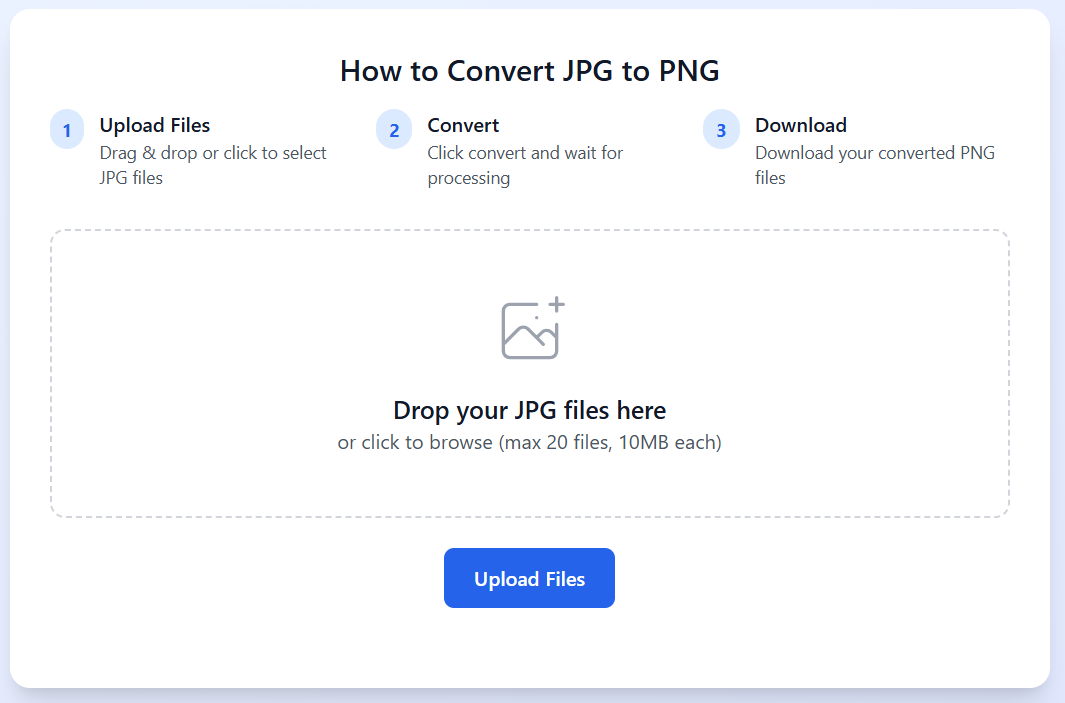
Upload Files
Drag & drop or click to select JPG files
Convert
Click convert and wait for processing
Download
Download your converted PNG files
Drop your JPG files here
or click to browse (max 20 files, 10MB each)
JPG to PNG Free - What is JPG to PNG Conversion?
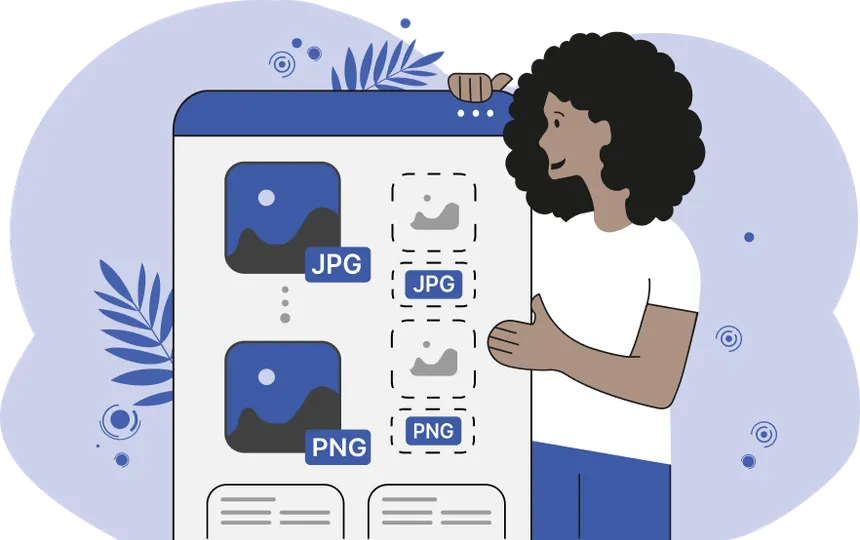
JPG to PNG conversion is the process of transforming JPEG image files into PNG format. JPEG (Joint Photographic Experts Group) is a lossy compression format that reduces file size by discarding some image data, making it ideal for photographs and images with many colors.
PNG (Portable Network Graphics), on the other hand, uses lossless compression, preserving all original image data while supporting transparency. Our free JPG to PNG converter makes this transformation easy and fast.
The main difference between these formats lies in their compression methods and capabilities. JPEG files are typically smaller but don't support transparency, while PNG files maintain perfect image quality and can have transparent backgrounds. This makes PNG ideal for logos, graphics with text, and images that need to be layered over other content.
Our online JPG to PNG converter handles this transformation seamlessly, maintaining the highest possible quality while adding PNG's advanced features like transparency support. The conversion process is fast, secure, and completely free to use.
Why Convert JPG to PNG Transparent?
PNG Supports Transparency
Unlike JPG, PNG supports alpha channel transparency. After converting your JPG to PNG, the file is ready for transparency editing in tools like Photoshop or GIMP — perfect for creating logos, icons, and graphics with transparent backgrounds.
High Quality Conversion
Our JPG to PNG converter delivers high quality results. Unlike JPEG's lossy compression, PNG preserves every pixel of your original image. This makes it perfect for graphics with sharp edges, text, or when you need to maintain perfect image quality.
Web Design Compatibility
PNG is widely supported across all web browsers and design applications. It's the preferred format for web graphics, user interface elements, and any image that requires transparency or sharp details.
Professional Graphics
For professional graphic design, digital art, and print materials, PNG format ensures your images maintain their intended appearance without compression artifacts or quality loss.
How to Convert JPG to PNG Free Online
How Does JPG to PNG Conversion Work?
When you convert JPG to PNG, our tool reads the compressed JPEG image data and reconstructs it into the PNG format. The PNG format uses lossless compression, meaning no quality is lost during the conversion process.
Our JPG to PNG converter preserves all the color information from your original JPG file while adding PNG's advanced features like alpha channel transparency support. This makes your converted images perfect for web design, graphic editing, and professional use.
Step 1: Select Your JPG Files
Click the "Upload Files" button or simply drag and drop your JPG images into the conversion area. Our JPG to PNG tool supports batch conversion, allowing you to process up to 20 files simultaneously. Each file can be up to 10MB in size, accommodating both small web images and high-resolution photographs.
Step 2: Start the Conversion Process
Once your files are uploaded, click the "Convert to PNG" button. Our advanced JPG to PNG conversion engine will process each image, transforming it from JPEG format to PNG while preserving image quality and adding transparency support. The process typically takes just a few seconds per image.
Step 3: Download Your PNG Files
After conversion is complete, download links will appear for each converted file. You can download files individually or use the "Download All" option for batch downloads. All converted files are automatically deleted from our servers after 1 hour to ensure your privacy and security.
Is it Safe to Convert JPGs to PNGs?
Complete Privacy Protection
- Files automatically deleted after 1 hour
- No user tracking or data collection
- SSL encryption for all uploads
- No registration or account required
Technical Security
Our JPG to PNG converter operates entirely on secure servers with enterprise-grade security measures. All file processing happens in isolated environments, and no human has access to your uploaded images. The conversion process is fully automated and maintains the highest security standards.
We use advanced encryption protocols to protect your files during upload, processing, and download. Your images are never stored permanently, shared with third parties, or used for any purpose other than the conversion you requested.
JPG to PNG Free - No Download Required
Lightning Fast
Convert multiple JPG files to PNG in seconds with our optimized conversion engine.
High Quality
Maintain perfect image quality with our lossless conversion technology.
100% Secure
Your files are automatically deleted after 1 hour. No storage, no tracking.
Frequently Asked Questions About JPG to PNG Conversion
How to convert JPG to PNG?
To convert JPG to PNG, simply follow these steps: 1) Upload your JPG file by clicking the upload button or drag and drop it into the converter. 2) Click the "Convert to PNG" button. 3) Download your converted PNG file. Our JPG to PNG converter is free, fast, and requires no software installation.
Can I convert JPG to PNG with transparent background?
PNG format fully supports alpha channel transparency, unlike JPG. When you convert a JPG to PNG, the resulting file is transparency-capable — you can then open it in any image editor (Photoshop, GIMP, etc.) to remove or adjust the background. Our converter also attempts basic white-background detection for simple images with solid-color backgrounds.
Is the JPG to PNG converter free?
Yes, our JPG to PNG free converter is 100% free to use. There are no hidden fees, no registration required, and no limits on the number of conversions. You can convert JPG to PNG as many times as you need without any cost.
Is it safe to convert JPG to PNG online?
Absolutely! Our JPG to PNG converter online is completely safe and secure. All uploads use SSL encryption, files are automatically deleted after 1 hour, and we never store or share your images. No registration or personal information is required to use our service.
What is the difference between JPG and PNG?
JPG (JPEG) uses lossy compression, resulting in smaller file sizes but some quality loss, and doesn't support transparency. PNG uses lossless compression, preserving full image quality and supporting transparent backgrounds. This makes PNG ideal for logos, graphics with text, and web design elements. When you change JPG to PNG, you gain transparency support and lossless quality.
How many JPG files can I convert to PNG at once?
You can convert JPG to PNG up to 20 files simultaneously with our batch conversion feature. Each file can be up to 10MB in size. This makes it easy to process multiple JPG files to PNG format quickly and efficiently.
How do I convert a JPG to a PNG on Mac or Windows?
Our online JPG to PNG converter works on any device - Mac, Windows, Linux, or mobile. Simply open your browser, upload your JPG file, and convert it to PNG instantly. No software download or installation needed. This is the easiest way to convert JPG to PNG on any operating system.
Will converting JPG to PNG reduce image quality?
No! When you convert JPG to PNG, the quality is preserved. PNG uses lossless compression, meaning no additional quality is lost during conversion. Our high quality JPG to PNG converter maintains all the visual detail from your original image while adding PNG's advanced features like transparency support.
JPG to PNG Image Converter - Complete Guide
Looking for a reliable way to convert JPG to PNG? Our free online JPG to PNG converter is the perfect solution for anyone who needs to transform their JPEG images into PNG format quickly and easily. Whether you're a graphic designer, web developer, or just someone who needs to change JPG to PNG for personal use, our tool delivers professional results every time.
Why Choose Our JPG to PNG Converter Online?
Our JPG to PNG converter online stands out from the competition with its combination of speed, quality, and security. Unlike desktop software that requires installation, our web-based tool lets you convert image JPG to PNG directly in your browser. This means you can convert JPG to PNG format from any device - whether you're on a computer, tablet, or smartphone.
The JPG to PNG format converter preserves all the color information from your original image while adding PNG's powerful features. When you need to convert JPG image to PNG, you get the benefit of lossless compression and transparency support - features that JPG simply cannot provide.
Convert JPG to PNG Transparent Background
One of the most requested features is the ability to convert JPG to PNG transparent background. While JPG files don't support transparency, PNG files do. After you convert JPG to transparent PNG, you can edit the image in any graphics software to add transparency where needed. This is essential for creating logos, product images, and graphics that need to overlay on different backgrounds.
Ready to get started? Simply upload your files above and experience the fastest, most reliable way to convert JPG file to PNG online. Our image converter JPG to PNG tool is completely free and requires no registration. Transfer JPG to PNG format in seconds!